
Keeping your account secure is one of the simplest ways to help protect yourself from scams and fraud.
Scammers are constantly evolving. That’s why we regularly review and enhance security measure where possible. As part of this, we’ve made some updates to how we protect your account—with new ways to verify your identity and clearer, more secure messaging.
What’s changing?
A simpler, more secure way to log in with passkeys.
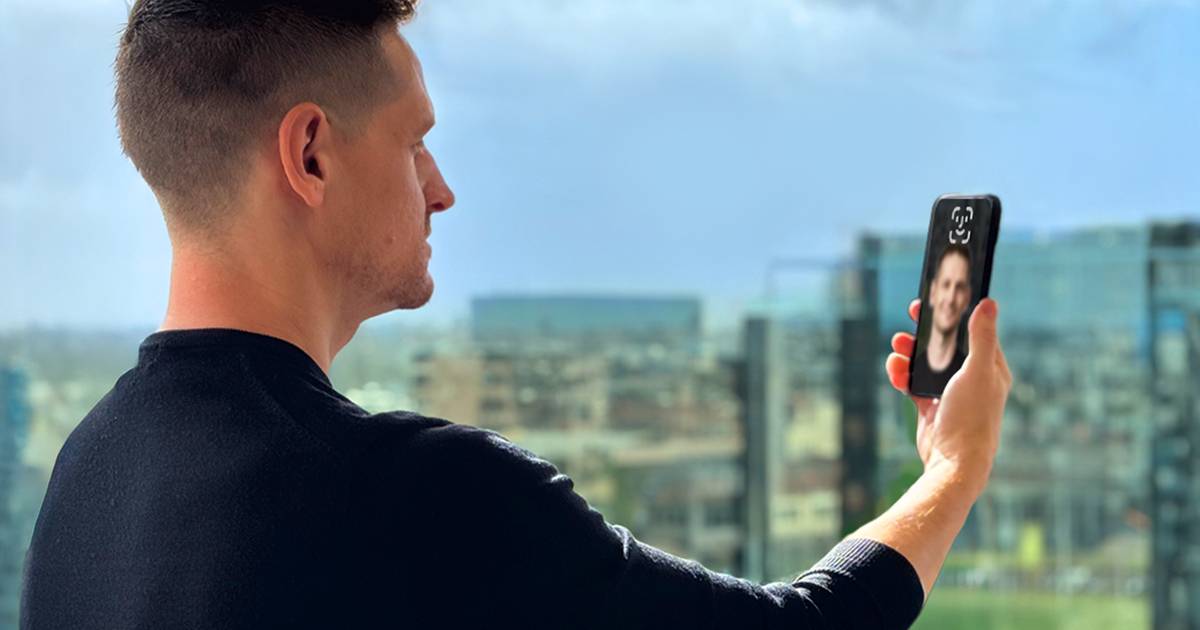
You can now log in to your More Self-Care Portal using a passkey.
Instead of entering a one-time code, passkeys let you sign in using:
• Face ID
• Fingerprint
• Your device PIN
Passkeys are tied to your device and are generally considered a more secure authentication method than traditional login methods.
Multi-Factor Authentication (MFA) still matters
For certain account actions, you may still be asked to verify your identity using a one-time code sent to your registered mobile number or email.
It shouldn’t take long to set upand adds an important layer of protection.
Clearer, safer SMS messages
Across Australia, new measures are being introduced to improve trust in business messaging.
The SMS Sender ID Register has been introduced to help reduce scam text messages and make it easier to identify legitimate messages from trusted businesses.
From1 July 2026, businesses that send SMS messages using a branded sender name (such as “More”) must register that sender ID.
Messages sent using an unregistered sender ID may show as “Unverified” or may not be delivered. These changes are designed to help reduce SMS scams and make suspicious messages easier to spot.
Why this matters
If someone gains access to your telecommunications account, they may attempt high-risk actions like transferring your mobile service to another provider so that it can be used to access to your third party services or accounts, or accessing your personal information.
Stronger identity checks, including MFA and passkeys, are part of how we help protect you.
Help us keep your account secure
To get the most out of these protections:
• Keep your mobile number and email address up to date
• Never share verification codes or login details
• Only enter codes when you’re expecting them
• Be cautious of unexpected SMS messages or links
If something doesn’t feel right, contact us directly.
A few extra seconds today can help prevent a much bigger issue tomorrow.